
Pet to Human Generator
Turn one clear pet photo into a human-inspired creative interpretation. Choose a style and optional character settings, then generate a version to compare, save, or share.
- 1 Upload Photo
- 2 Recommended Settings
- 3 Complete
Step 1: Upload Pet Photo
Drag or click to upload
Supports JPG/PNG, max 10MB
Recommended Settings
Recommended settings are already applied: neutral, adult, realistic. First-time users only need to upload a photo and adjust the style if needed.
Advanced settings (optional)
Select Gender
Select Age Group
Creative Description(Optional)
Choose Style
Log in to view your current creation options
Preview Area
Upload a photo to see preview
Pet to Human Generator
Turn one clear pet photo into a human-inspired creative interpretation. Choose a style and optional character settings, then generate a version to compare, save, or share.
How it works
Upload a clear pet photo
Start with one well-lit photo where your pet's face is easy to see.
Choose a visual direction
Select a style, then use the optional gender, age group, or creative description controls only if they help your idea.
Generate and compare
Generate the interpretation, then try another available style or description if you want a different result.
Photo tips
- Use one pet in the frame so the generator has a clear subject.
- A front-facing or three-quarter view makes facial features easier to interpret.
- Start with good lighting and avoid heavy filters, blur, or face-covering accessories.
What this result represents
The result is a creative AI interpretation, not a factual prediction of your pet's personality, identity, or real-world appearance.
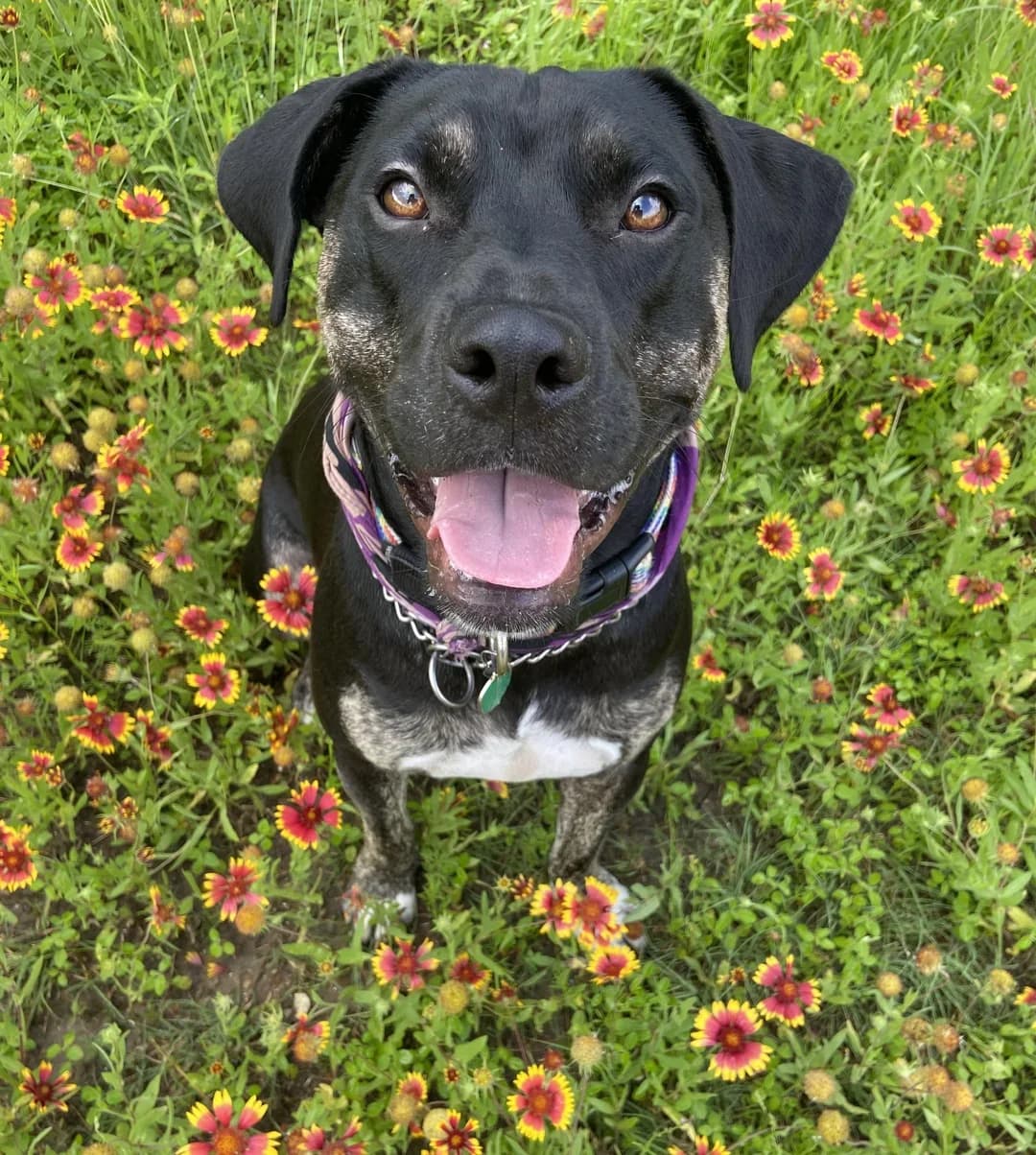
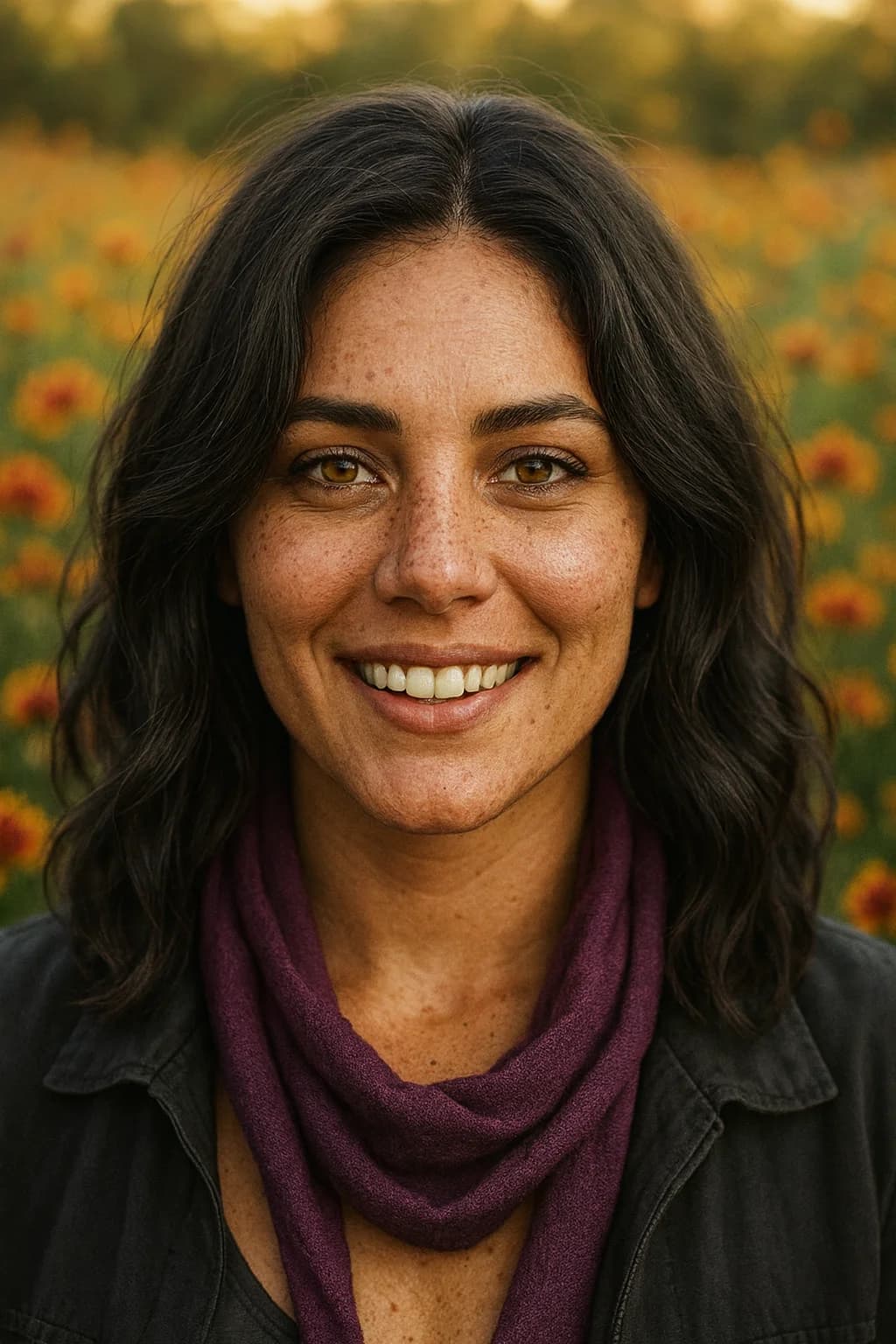
A reviewed PetMorph example
This before-and-after pair uses the same pet photo and the reviewed output for this task.
Frequently asked questions
What kind of photo works best?
Do the optional settings describe my pet?
Can I create more than one version?
Will the result show my pet's real personality?
Explore related PetMorph tools
Continue with a relevant free utility or move into a pet photo creation task.