Product Updates

A timeline of user-facing PetMorph features that are live and ready to use.

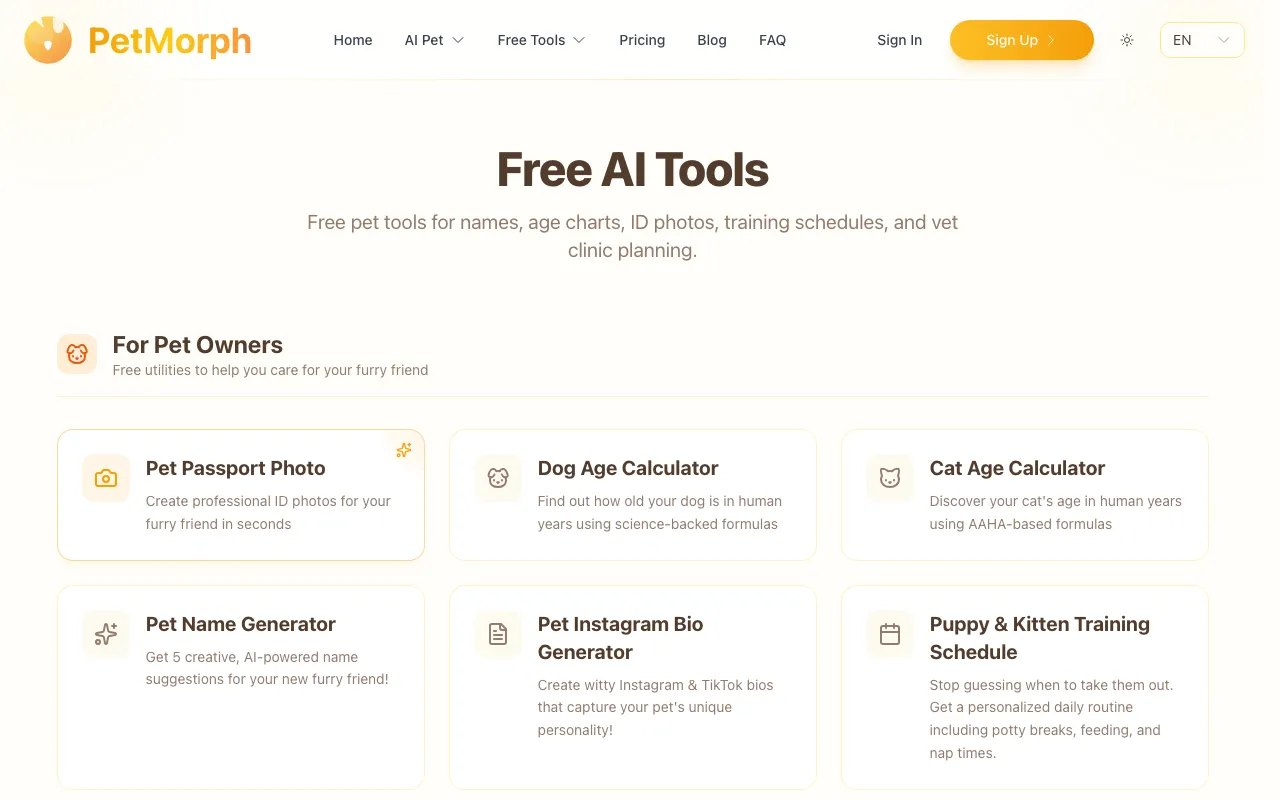
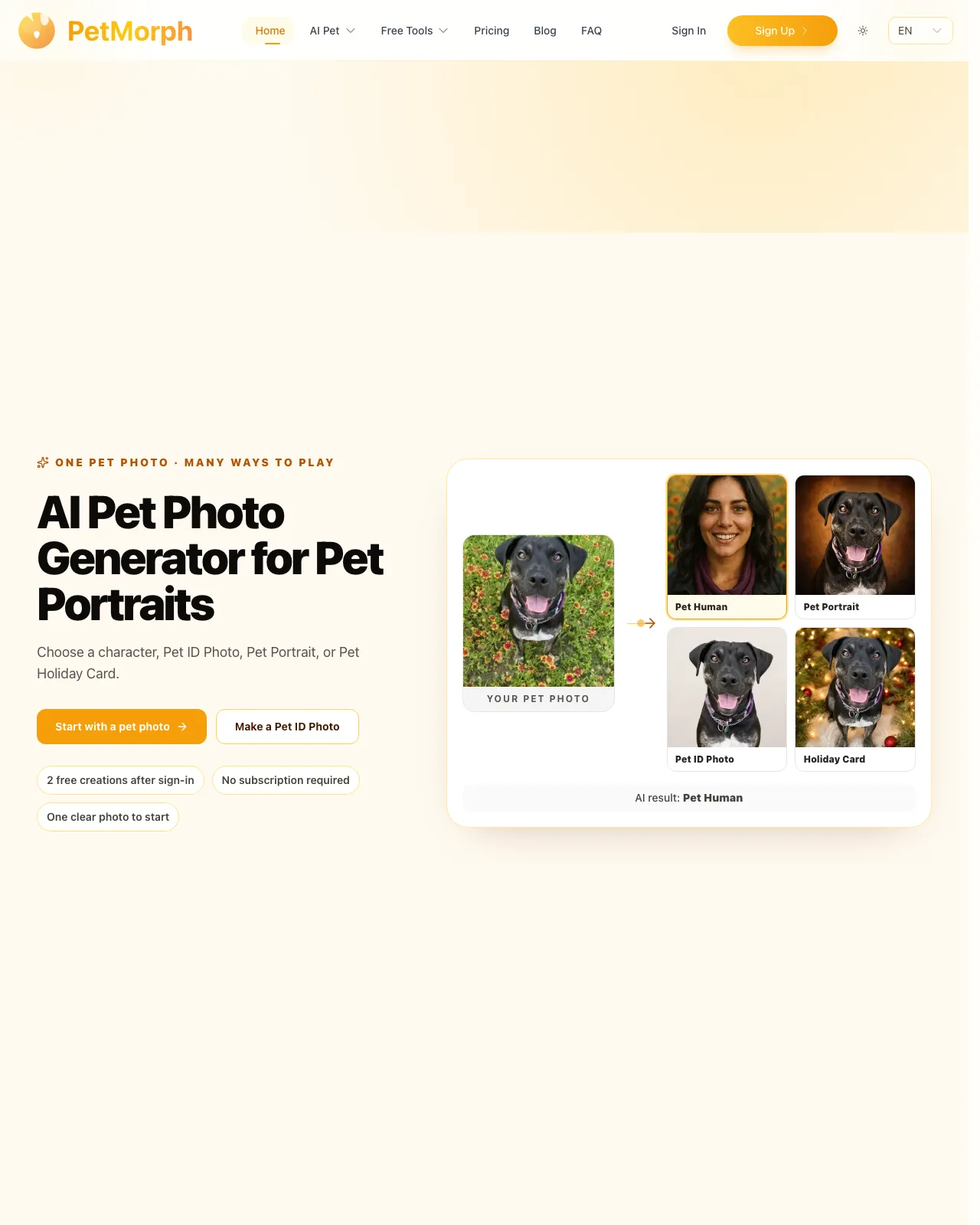
  1. Screenshot for A Clearer Homepage and Training Schedule Shortcut
    Improved

    A Clearer Homepage and Training Schedule Shortcut

    The homepage now explains the photo-to-result flow in three steps and adds a direct path to the free Puppy & Kitten Training Schedule.

    What you can do

    • See the upload, customization, and result flow before you start
    • Build an age-based potty, feeding, and rest routine for a puppy or kitten
    • Open the complete gallery instead of a shortened selection
    What you need
    The homepage is open to everyone. The training schedule is free and requires no sign-in or credits.
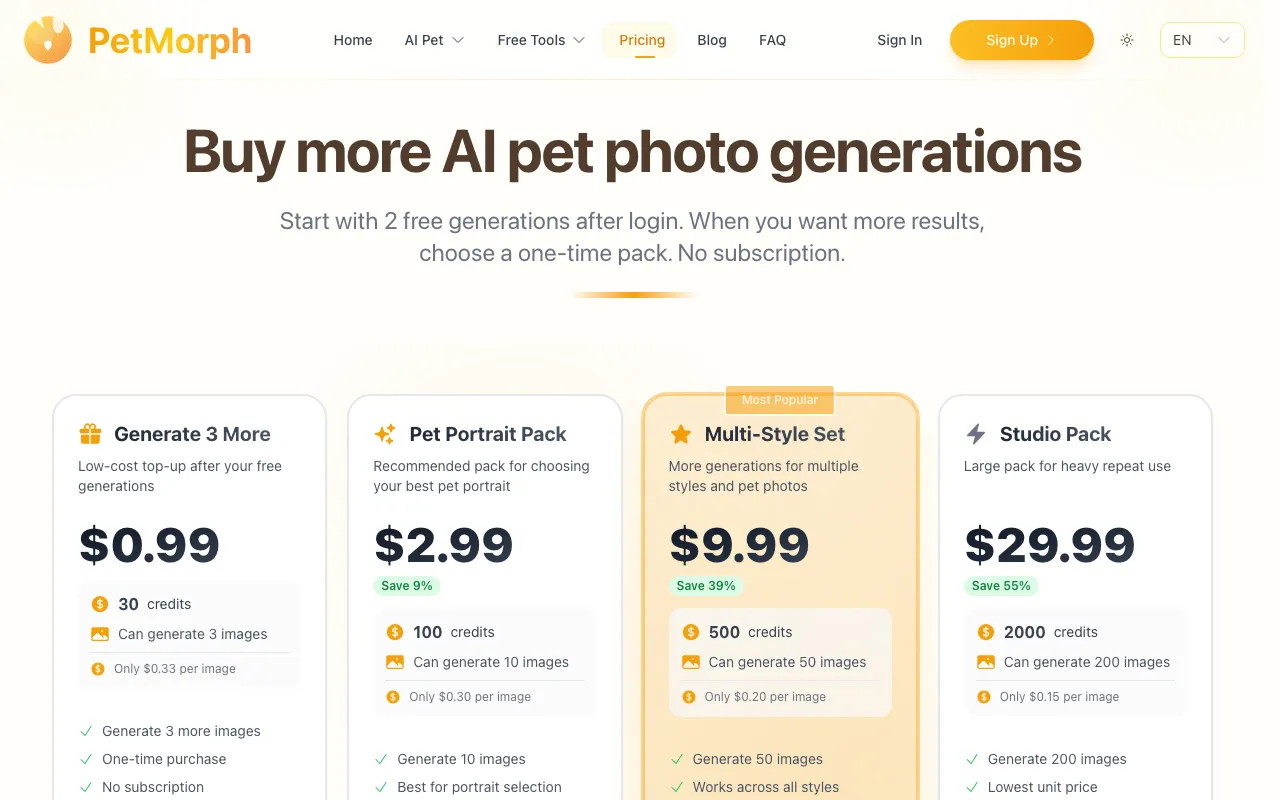
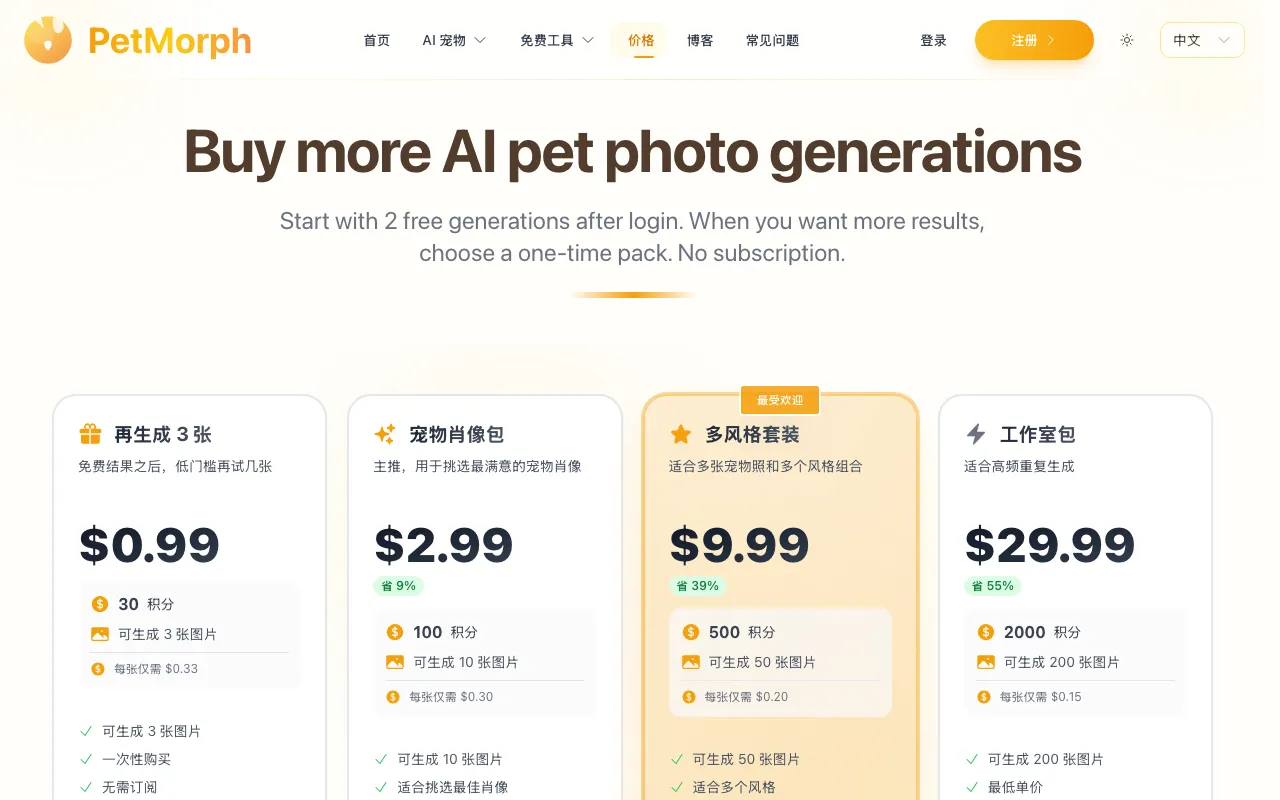
  2. Screenshot for Start with 2 Free AI Pet Photos
    Improved

    Start with 2 Free AI Pet Photos

    Pet to Human, Pet ID Photo, Pet Portrait, and Holiday Card share one creation balance. Sign in for 2 free generations, then buy a one-time pack only if you want more.

    What you can do

    • Four AI pet photo tools with dedicated creation pages
    • 2 free generations after sign-in
    • One-time packs work across all four tools, with no subscription
    What you need
    Signed-in users get 2 free generations. Additional generations use credits from a one-time pack.
  3. Screenshot for Three Free Tools Now Return Results Instantly
    Improved

    Three Free Tools Now Return Results Instantly

    Fill in the details and get a copy-ready result immediately from Pet Name Generator, Puppy & Kitten Training Schedule, or Vet Clinic Staff Scheduler.

    What you can do

    • Get 5 name ideas matched to your pet's personality and appearance
    • Build an age-based daily training and care routine
    • Create a basic weekly early/late shift draft for a small vet clinic
    What you need
    Free for everyone, with no sign-in or credits. Review training and schedule drafts before using them.
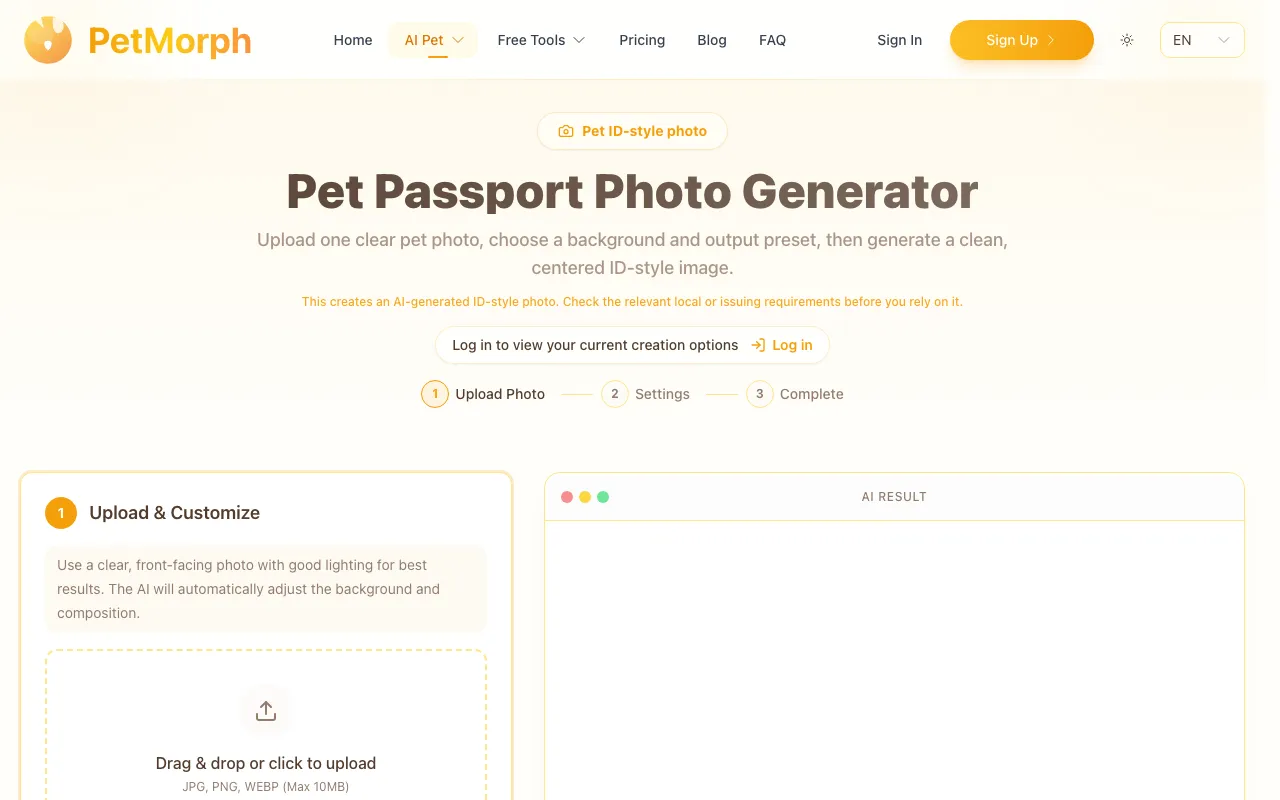
  4. Screenshot for Create an ID-Style Photo for Your Pet
    New

    Create an ID-Style Photo for Your Pet

    Upload one clear pet photo, then choose a background and size preset to create a clean, centered ID-style image.

    What you can do

    • Choose from white, milky blue, soft red, or light gray backgrounds
    • Use 1-inch, 2-inch, or passport-size presets
    • Review and download the generated image
    • Check the issuing authority's rules before using it for official purposes
    What you need
    Sign in for 2 free generations. Additional images use credits. Results are AI-generated ID-style images, not official documents.
  5. Screenshot for PetMorph Now Supports Nine Languages
    Improved

    PetMorph Now Supports Nine Languages

    PetMorph's main pages and tools are available in nine interface languages through the language menu in the header.

    What you can do

    • Switch between English, Chinese, Japanese, German, French, Spanish, Italian, Dutch, and Russian
    • Open the main AI photo and free tool pages in your selected language
    • Keep that language while moving between supported pages
    What you need
    Language switching is available to every visitor, with no sign-in required.
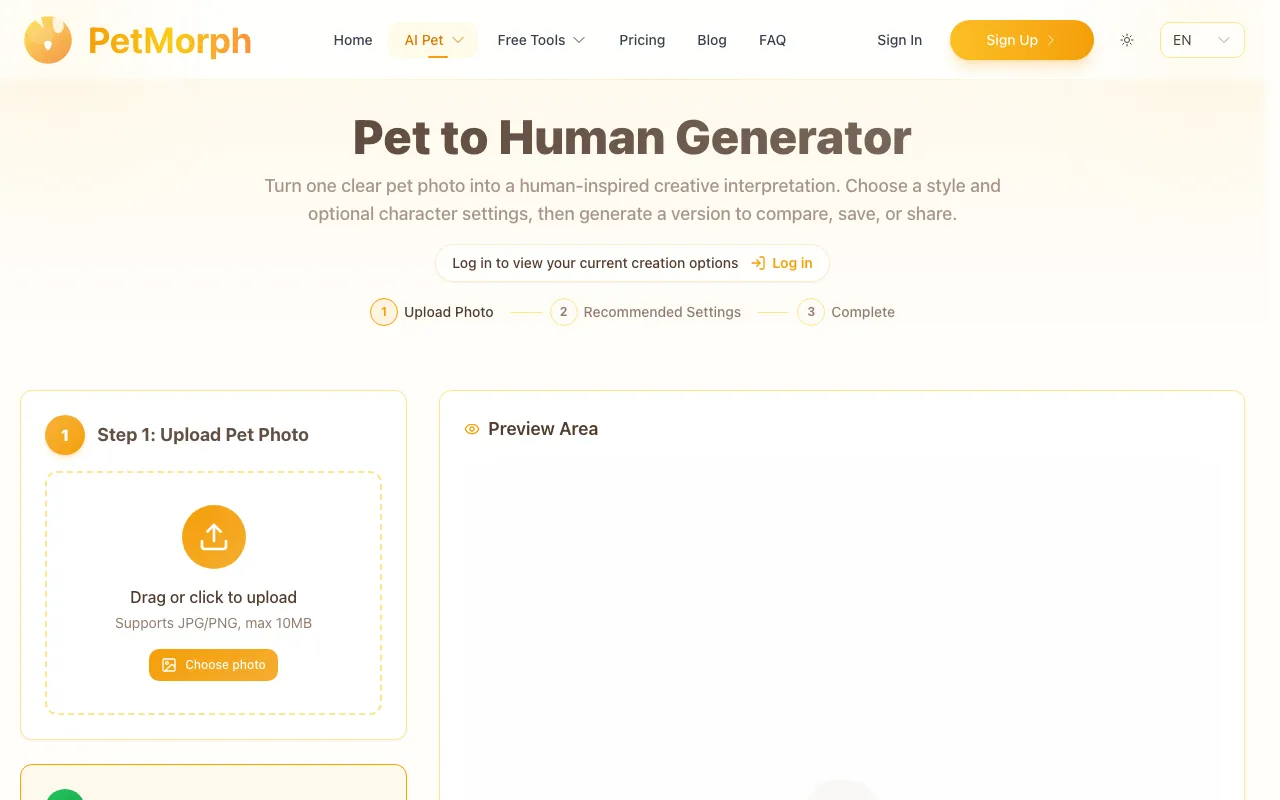
  6. Screenshot for PetMorph Launches
    New

    PetMorph Launches

    PetMorph launched with a Pet to Human generator and a set of everyday pet tools.

    What you can do

    • Upload one pet photo to create a human-inspired version
    • Use free tools such as dog and cat age calculators
    • Sign in to view and use your available creation balance
    What you need
    Anyone can browse the site and use free tools. AI photo generation requires sign-in and an available creation balance.