
Pet Passport Photo Generator
Upload one clear pet photo, choose a background and output preset, then generate a clean, centered ID-style image.
This creates an AI-generated ID-style photo. Check the relevant local or issuing requirements before you rely on it.
- 1 Upload Photo
- 2 Settings
- 3 Complete
Upload & Customize
Use a clear, front-facing photo with good lighting for best results. The AI will automatically adjust the background and composition.
Customize Options
Ready to Create?
Upload a pet photo, select your preferred background color and size, then click generate!
Pet Passport Photo Generator
Upload one clear pet photo, choose a background and output preset, then generate a clean, centered ID-style image.
How it works
Upload a clear pet photo
Use a recent photo with one pet, a visible face, and even lighting.
Choose a background and output preset
Select from the background colours and image presets shown in the tool.
Generate and download
Review the generated image, then download the version you want to keep.
Photo tips
- Keep one pet centered in the frame, with the face and eyes easy to see.
- Use a photo without sunglasses, costumes, hands, or toys covering the face.
- Start with a sharp, evenly lit photo rather than a dark, distant, or heavily filtered image.
Check official requirements first
PetMorph creates an AI-generated ID-style image. It does not issue official travel or identity documents, so check the relevant organisation's requirements and acceptance rules yourself.
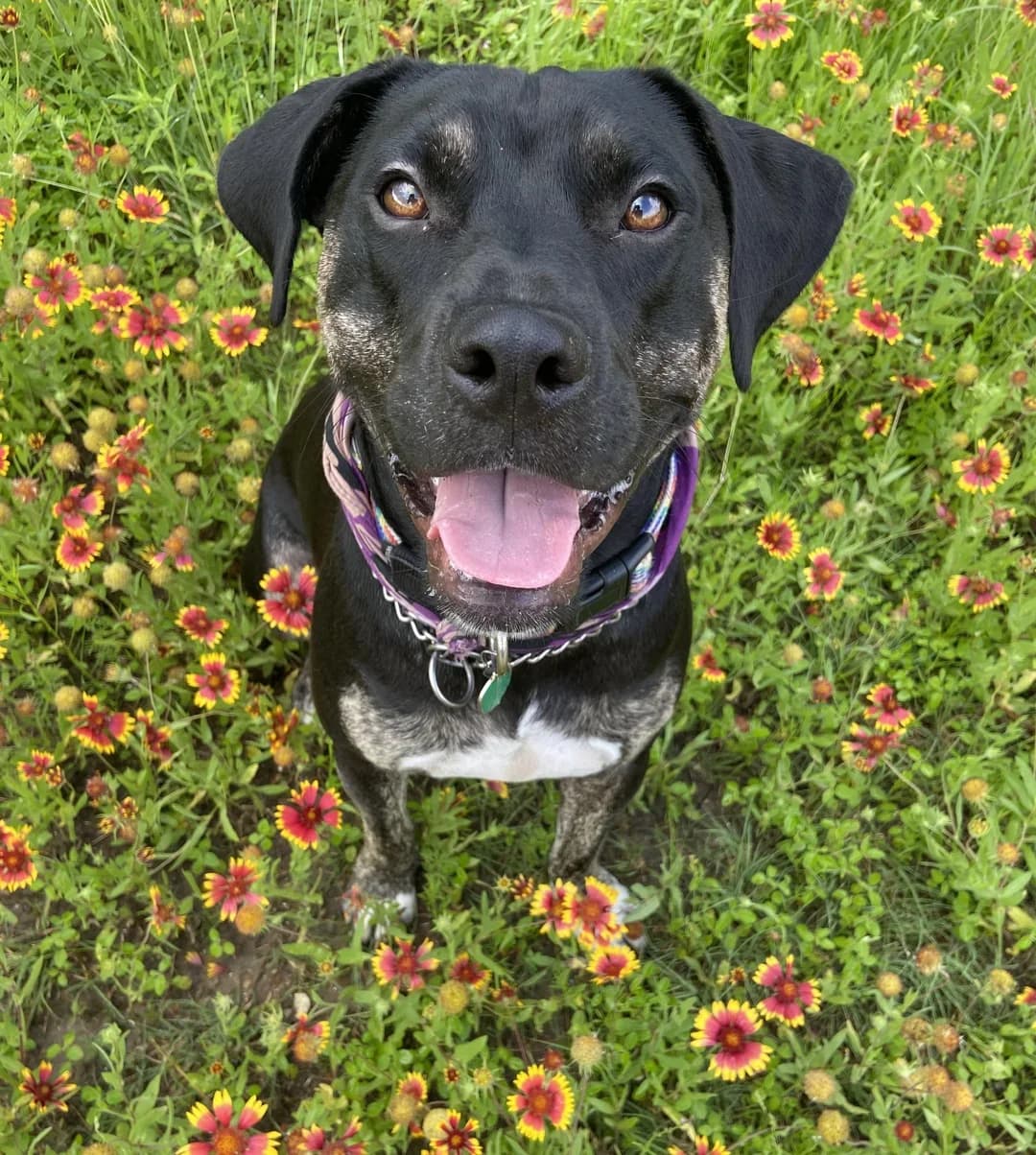
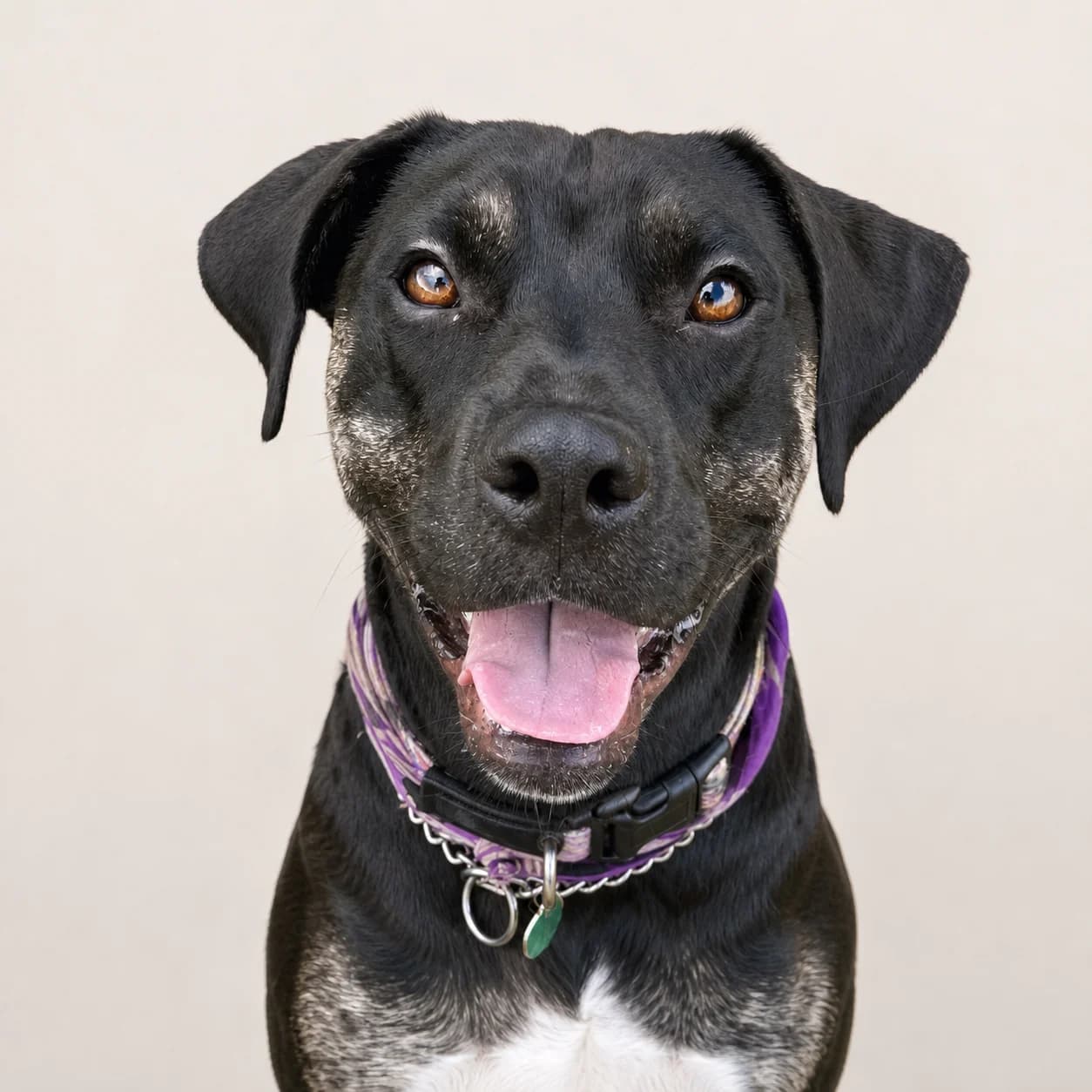
A reviewed PetMorph example
This before-and-after pair uses the same pet photo and the reviewed output for this task.
Frequently asked questions
Which backgrounds and output presets are available?
Can I use it for official documents or travel?
Does this tool create a PDF or official passport?
What source photo should I upload?
Explore related PetMorph tools
Continue with a relevant free utility or move into a pet photo creation task.