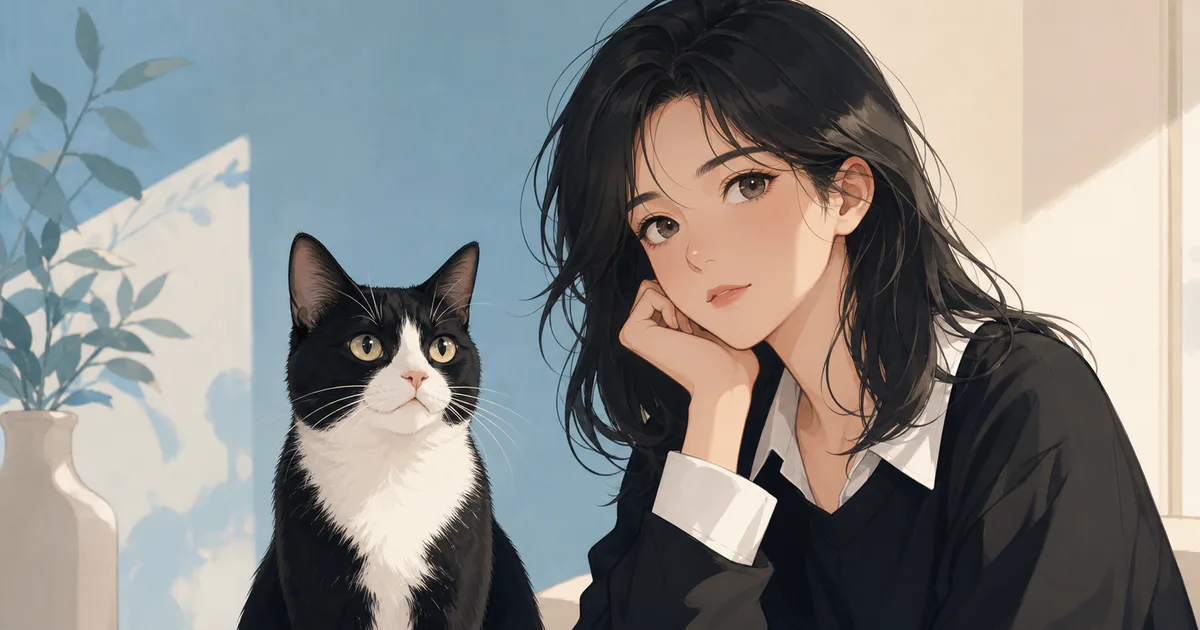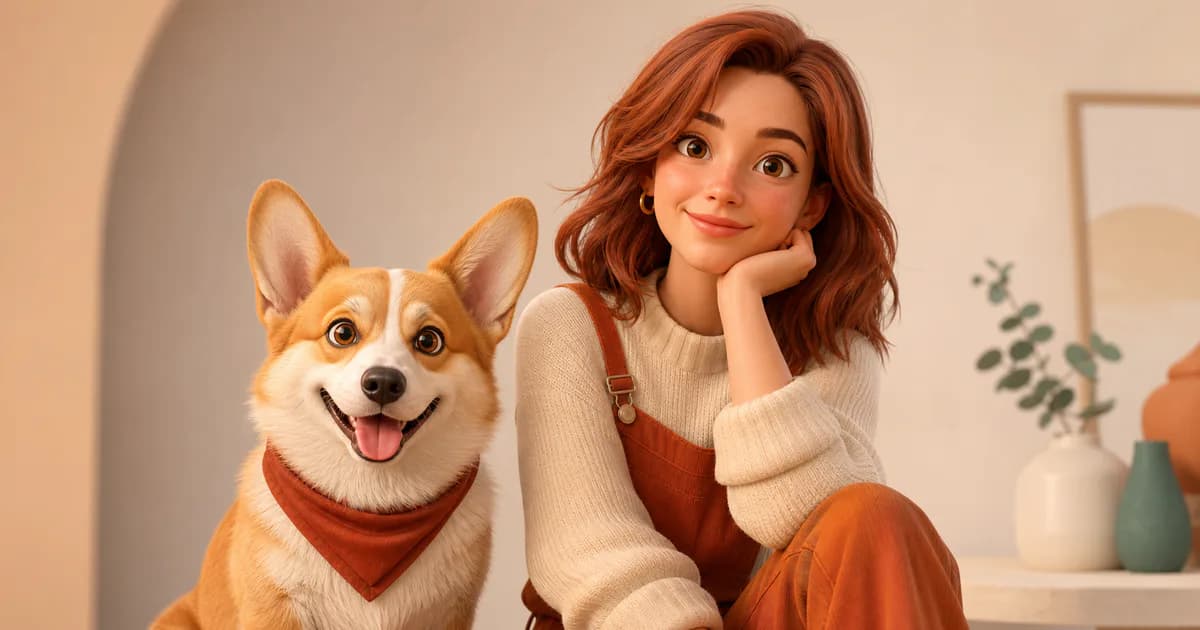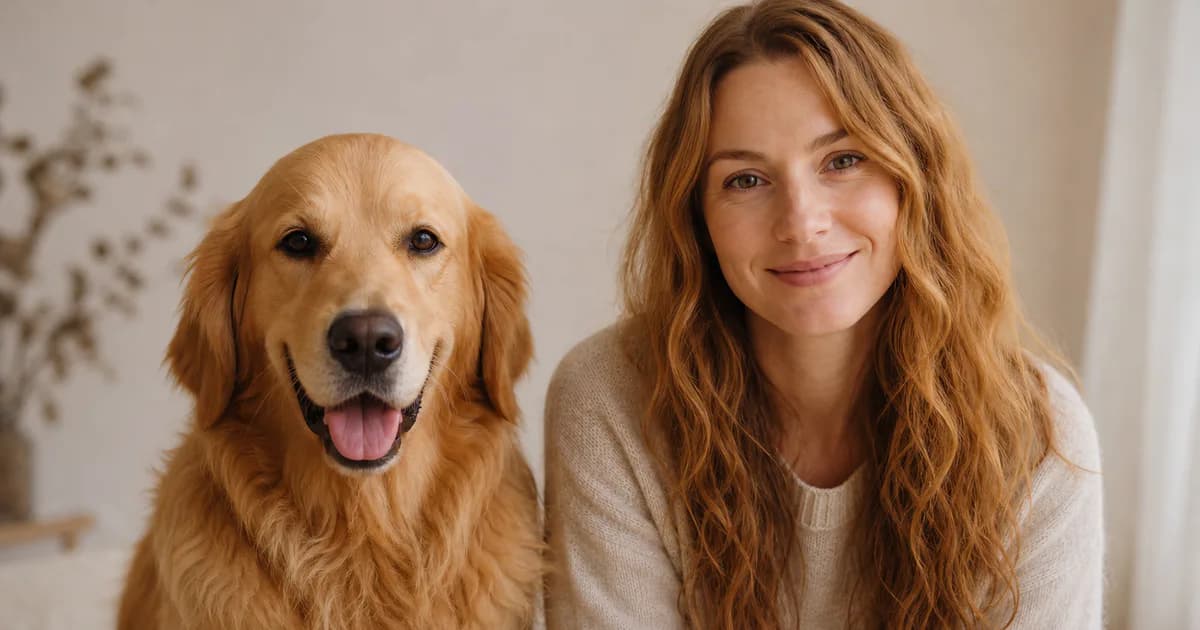
PetMorph’s Anime style interprets a pet photo as a human-style illustrated character. It emphasizes clean shapes, expressive features, and stylized color rather than photographic realism. The result is generated from your inputs, so it can vary between attempts and may not preserve every marking or facial cue.
This guide focuses on the parts you can control: the source photo, the options on the creation page, and the way you evaluate the output.
The cover is an AI-generated editorial concept created for this guide, not a verified example produced by PetMorph.
Start with a readable pet portrait
Anime generation still needs clear visual information. A suitable source image usually includes:
- One pet in focus.
- Visible eyes, ears, and face shape.
- Soft or even lighting across the face.
- A simple background with good separation from the fur.
- Natural color without stickers, beauty filters, or heavy compression.
- Enough space around the head to preserve the silhouette.
Dark pets benefit from light that reveals the boundary between the ears, cheeks, and background. Light-colored pets need enough contrast to keep white fur from blending into a bright wall or window.
How pet features may become anime features
The generator does not copy animal anatomy directly. Instead, visible traits can influence the illustration in looser ways:
- Fur color may guide hair, clothing, or palette choices.
- Patches and stripes may become accent colors or graphic details.
- Ear position and gaze may influence the character’s mood.
- Long fur may suggest flowing hair; short fur may suggest a cleaner silhouette.
- A playful or reserved expression may become a corresponding human-style pose or facial expression.
The connection may be obvious in one result and subtle in another. Avoid treating a single output as proof that a specific feature will always transfer.
Use the current controls without over-specifying
On Create, upload the photo, select an age group and gender presentation, and choose Anime. You can keep the reference-image option enabled and add a short description.
Descriptions work best when they clarify one or two priorities, for example:
- “calm expression, soft blue background”
- “playful mood, warm daylight”
- “simple portrait, no accessories”
Long lists of character names, studios, camera terms, clothing, effects, and environments can compete with the pet reference. They can also make it harder to understand which change improved or damaged the result.
Common Anime result problems
The eyes dominate the face
Anime styles may exaggerate eyes. If the result feels unbalanced, try a source photo with a relaxed gaze and add a short request such as “natural eye proportions.”
Markings disappear
Use a source image where the markings are visible in normal light. A description can mention one important detail, but it cannot guarantee exact placement.
The character looks unrelated to the pet
Try a closer portrait and remove unnecessary scene instructions. Keep the reference image enabled when continuity with the pet matters more than a complex background.
The background becomes too busy
Ask for a plain or softly colored background. You can also choose a source photo with clear subject separation and minimal clutter.
A simple Anime workflow
- Choose a sharp photo with the full face and ears visible.
- Open Create and upload it.
- Select the intended age group and gender presentation.
- Choose Anime and keep the photo reference enabled.
- Add one short mood or background direction only if needed.
- Generate and inspect the eyes, hair, markings, hands, accessories, and background.
- If you retry, change one variable at a time.
When Anime is the right style
Anime is useful when you want an illustrated profile image or character-like portrait with simplified texture and stronger color design. For a portrait that reads more like a photograph, compare the Realistic guide. For rounded forms and rendered materials, compare the 3D Animated guide.
The style does not reproduce a particular anime title, artist, or studio, and PetMorph is not affiliated with those creators. Use broad visual directions rather than asking for an exact imitation of a living artist’s work.
Before sharing or printing
Inspect the final image at full size. AI illustrations can contain inconsistent eyes, hands, jewelry, text, or background objects. If you plan to use the image commercially, confirm that your source photo and intended use do not infringe another person’s or brand’s rights.
Credit availability and pricing can change; see Pricing for current information. Review the Privacy Policy and Terms before uploading personal images.