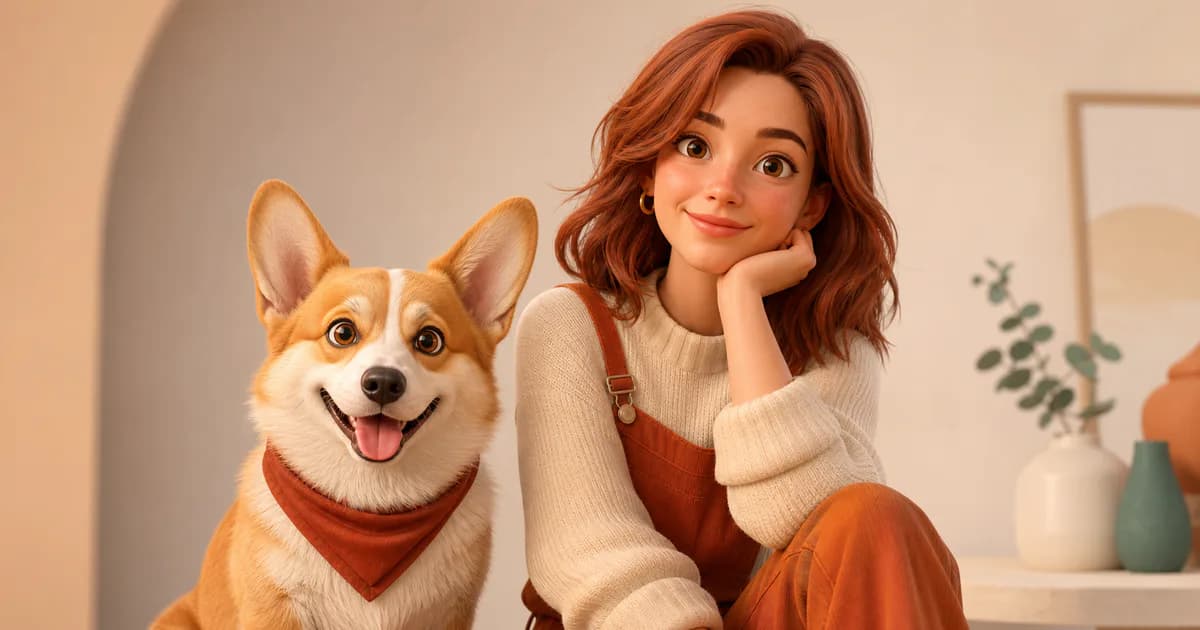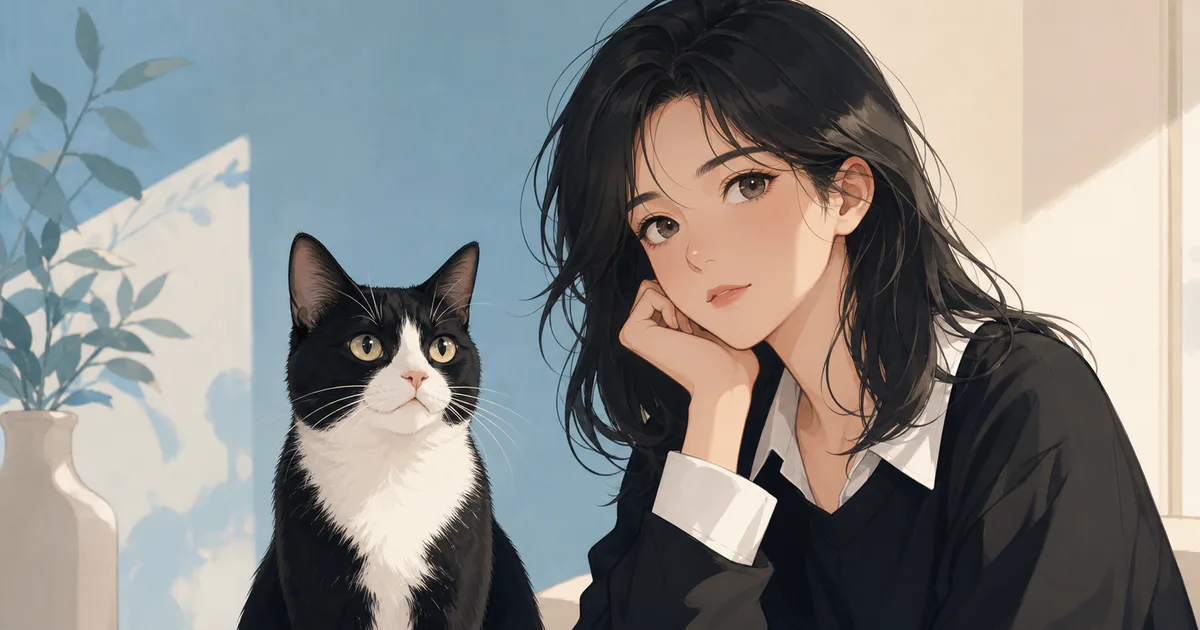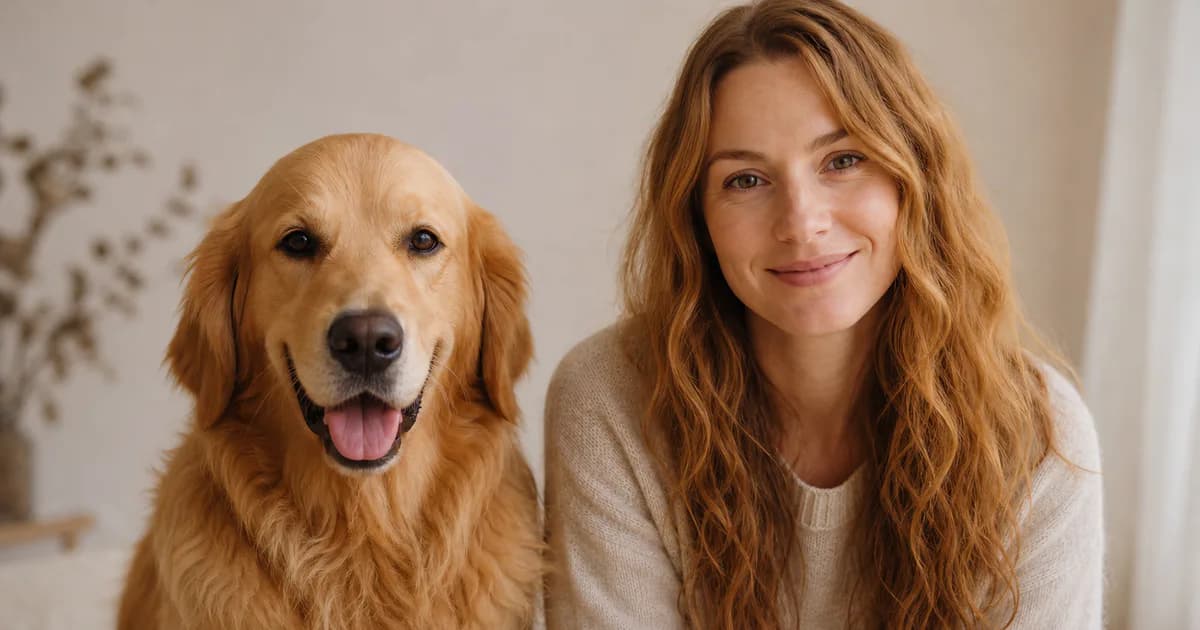
PetMorph’s 3D animated option turns a pet photo into a human-style character with rounded forms, stylized materials, and rendered lighting. The style selector currently uses “Pixar” as its product label; this guide uses the neutral term “3D animated.” PetMorph is not affiliated with or endorsed by Pixar or Disney.
The result is a generated interpretation, not a 3D scan or model of your pet. It may borrow coloring, expression, and mood from the source photo, but it cannot guarantee exact resemblance or consistent geometry between attempts.
The cover is an AI-generated editorial concept created for this guide, not a verified example produced by PetMorph.
What makes a source photo useful
Choose a photo where the generator can read the full face before it has to invent a character design. Useful conditions include:
- One pet, with the head and both ears visible.
- Sharp eyes and a clear face outline.
- Soft front or side light rather than a bright light behind the pet.
- Minimal motion blur.
- A background that contrasts with the pet’s fur.
- Few accessories around the face.
A close portrait usually provides stronger identity cues than a full-body photo taken from far away. If a collar or accessory is important, make sure it is visible without covering the neck or jaw.
How 3D animation differs from other styles
3D Animated tends to use smoother surfaces, stronger depth, and more rounded proportions than Anime. It can feel more like a rendered character than an illustration. Compared with Realistic, it allows more exaggeration in the face, hair, and expression.
Use Realistic when photographic texture is the priority. Use Anime when graphic lines and illustrated color are more important. Use 3D Animated when you want a character-like portrait with visible material and lighting design.
What may transfer from the pet photo
Depending on the input and generation, the output may reference:
- Fur color through hair, clothing, or lighting palette.
- Facial patches through accent colors or asymmetry.
- A relaxed, alert, playful, or serious mood.
- Long or short fur through hairstyle and silhouette.
- A collar color through clothing or a small accessory.
These are possible visual relationships, not guaranteed mappings. A generated human face should retain human eye and facial anatomy rather than copying animal pupils, muzzle proportions, or ears.
Use short, testable directions
On Create, upload a photo, choose the age group and gender presentation, select the 3D style, and decide whether to keep the photo reference enabled. If you add a description, keep it narrow:
- “gentle expression, warm neutral background”
- “playful character portrait, soft daylight”
- “simple clothing, centered composition”
Avoid combining several costumes, locations, lighting setups, and camera requests in one attempt. If the result is weak, changing one variable gives you more information than rewriting everything at once.
Common 3D generation problems
Plastic-looking skin or hair
Try a source image with softer light and ask for “natural material texture.” Strong highlights in the input can encourage shiny surfaces.
Oversized or glassy eyes
Use a photo with a relaxed gaze and visible eyelids. A short request for “natural human eye proportions” can reduce exaggeration, although it is not a guarantee.
Missing markings
Make sure the marking is visible and not hidden by shadow. If it is essential, mention only that feature in the description.
Unexpected hands, objects, or text
AI-generated details can be inconsistent. Review the full image, not just the face, before saving, printing, or sharing it.
Recommended workflow
- Select a clear, unfiltered portrait of one pet.
- Upload it on Create.
- Choose the intended age group and gender presentation.
- Select the current 3D character style.
- Keep the reference image enabled when source continuity matters.
- Add one short mood or composition instruction if needed.
- Inspect the result at full size and change one input at a time for another attempt.
Usage, rights, and pricing
Do not present a generated character as an official studio asset or imply endorsement by a film company. If you use the result commercially, check the rights to the source photo, any visible brand elements, and the intended distribution channel.
Generation availability and credits may change. Check Pricing, the Privacy Policy, and the Terms for the current product rules before uploading or publishing an image.